1
Make a page template
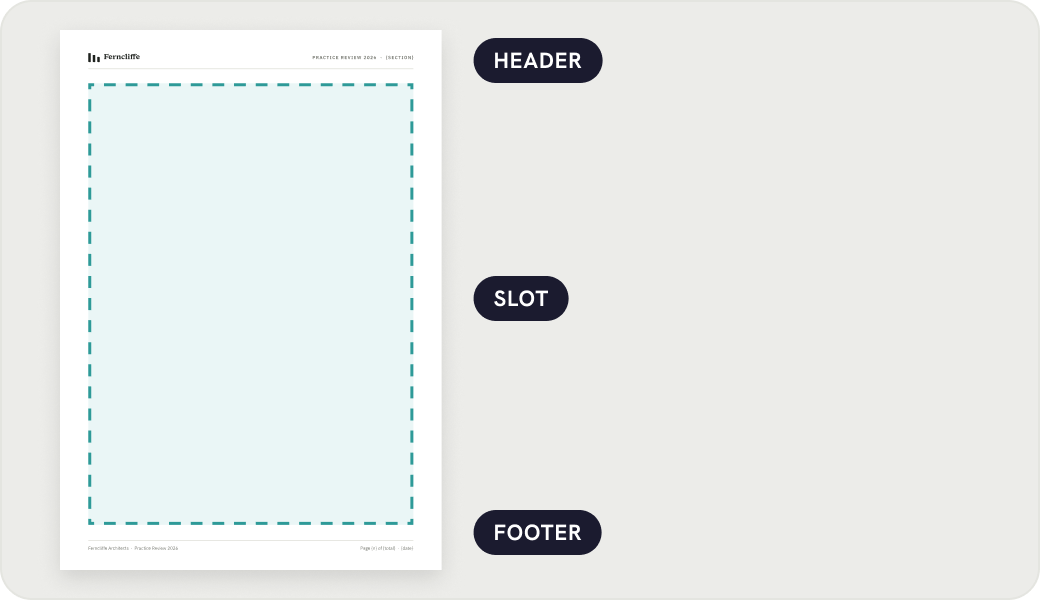
A component the size of your page: header at the top, footer at the bottom, and a Slot between them for the content. Any text layer with {n}, {total}, {date} or {section} becomes live.
How it works
Pagestream does one job: it lays auto-layout blocks across pages made from a template, and keeps them laid out while you edit. This page walks through the whole cycle once.
A component the size of your page: header at the top, footer at the bottom, and a Slot between them for the content. Any text layer with {n}, {total}, {date} or {section} becomes live.
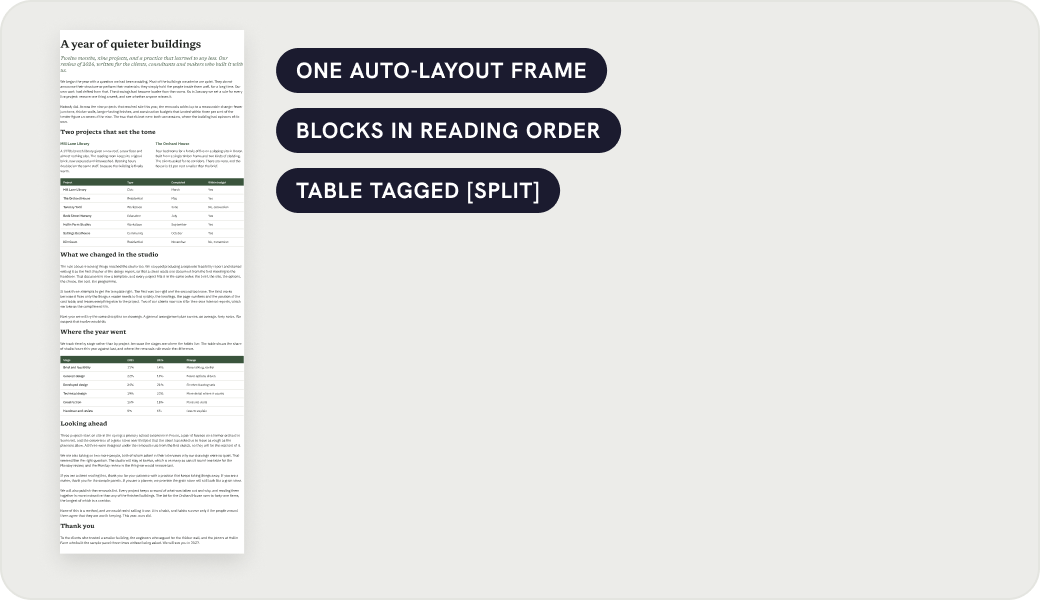
A vertical auto-layout frame whose children are the blocks, in reading order. Headings, paragraphs, cards, tables, instances, groups. Layer names carry two rules: headings keep with the next block, and [split] lets a table break by row.
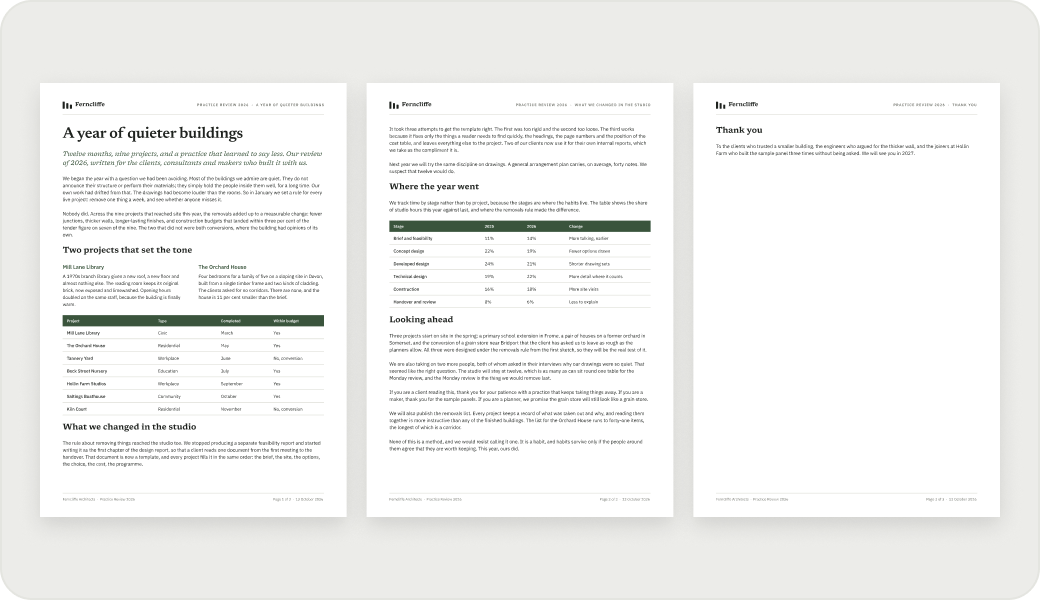
Select the source, pick the template, press Flow. Pages appear, numbered. The source frame disappears because its blocks moved into the pages.
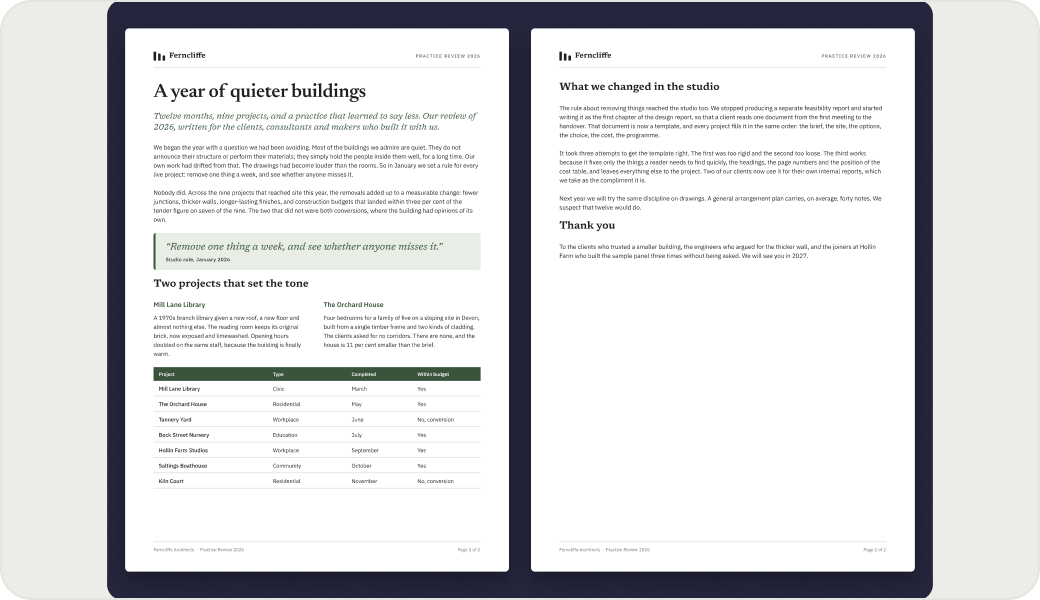
Type, paste, delete, reorder, on any page. Press Reflow, or let automatic mode do it half a second after you pause. Only blocks that must cross a page boundary move. Paragraphs split at a line; tables split by row; headings never end a page.
Under the hood
Nothing depends on where pages sit on the canvas.
Every page is an instance of the template. Change the header once and every page follows. The slot is the only part Pagestream writes to.
Each page carries a document id, an index and its template id. Each block carries its own id; a continuation carries the id of the block it came from.
A split paragraph or table is joined back before every pass, then split again where it now needs to be. Nothing is ever permanently cut.
A pass over an unchanged document moves nothing, so automatic mode can run on every pause without flicker.
Free for documents up to three pages. One payment for unlimited pages.
Get it on Figma Community