Using the plugin
Pagestream has two actions, Flow and Reflow, and one switch, "Reflow as I edit". Everything else is a rule you set once.
Flow
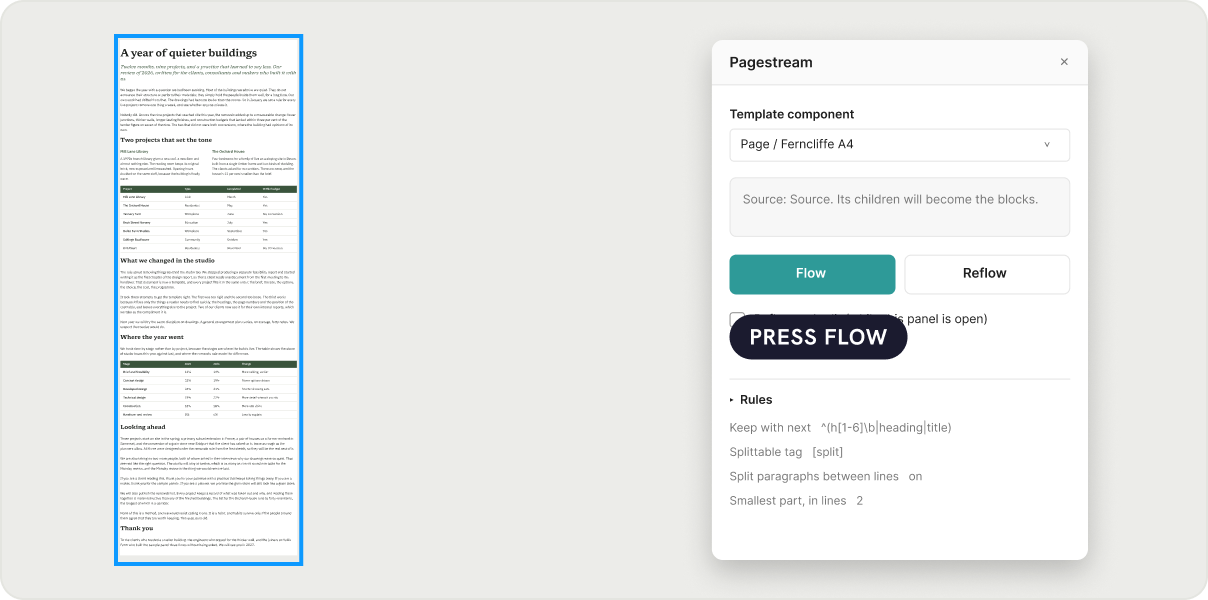
- Select the source frame.
- Open Pagestream. The panel shows "Source: your frame".
- Pick the template in the dropdown.
- Press Flow.
Pagestream creates page 1 next to the source, moves blocks into its slot in order until the next block would cross the bottom, then opens page 2, and so on. Pages are laid out in a row, named "Template / Page 1", "Page 2", and numbered. The source frame is removed once it is empty, because the blocks moved, they were not copied.
How pages belong together
Each page carries a document id, its index and the id of its template, stored as plugin data. Each block carries an id of its own, and the second half of a split paragraph or table carries the id of the block it came from. Position on the canvas means nothing: move pages wherever you like. Selecting a page, or any block on one, shows "Document page: Template / Page 3" in the panel.
Reflow
Edit anything on any page: type into a paragraph, delete a block, paste a new card into a slot, resize a figure. Then select a page or a block on it and press Reflow. Pagestream walks the pages in order, pushes whatever no longer fits at the bottom of a page to the top of the next, and pulls whatever now fits up from the next page. Blocks that stay on their page are not touched. A page that empties is removed; a last page that overflows gets a new page after it.
Reflow as I edit
Tick the box and, while the panel is open, every edit that touches a flowed document re-paginates it about half a second after you pause. Deleting from the Layers panel, pasting, and leaving a text edit all count. The block your cursor is in is never moved, split or joined while you are typing; when you click away, that document gets one more pass.
Adding, moving and removing
- Add a block by pasting it into any slot at the position you want. Reflow treats it like any other block.
- Reorder by dragging blocks within a slot or between pages. Reflow fixes the page boundaries, never the order.
- Delete a block anywhere. The pages pull back together.
The panel messages
| Message | Meaning |
|---|---|
| Flowed 24 blocks over 3 pages. | Flow finished. |
| Auto-reflowed 24 blocks over 3 pages. | An automatic pass finished. |
| "Card" is taller than a page; it overflows page 2. | A block is taller than the content area. Shrink it, or tag it [split] if it has children. |
| No template on this page | No component with a slot on the current Figma page. |
| Select the source frame: a vertical auto layout whose children are the blocks. | Flow needs a vertical auto-layout frame selected. |